
ConvertBankToExcel vs kill the sub
Side-by-side comparison to help you choose the right product.

ConvertBankToExcel
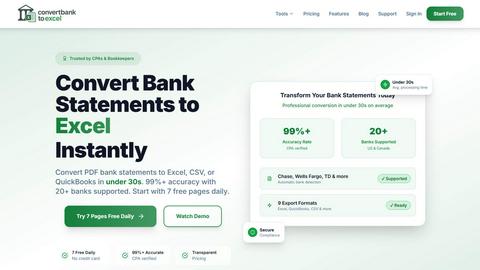
ConvertBankToExcel swiftly transforms PDF bank statements into Excel, CSV, and more with 99% accuracy in under 30.
Last updated: February 25, 2026

kill the sub
Find and kill all your unused subscriptions in under 2min.
Visual Comparison
ConvertBankToExcel
kill the sub
Overview
About ConvertBankToExcel
ConvertBankToExcel is an advanced AI-powered platform specifically designed for accounting professionals seeking to streamline the tedious process of bank statement data entry. By automating the extraction of transaction data from PDF bank statements, this innovative tool transforms them into easily usable Excel, CSV, and QuickBooks formats. Its intelligent technology not only significantly reduces the chances of human error but also enhances productivity, allowing accountants to focus on more valuable tasks. Trusted by over 50,000 CPAs, bookkeepers, and accounting professionals, ConvertBankToExcel eliminates the need for manual data entry, making it an indispensable solution for firms looking to optimize their workflow. With features such as automatic bank detection and batch processing, users can convert their bank statements in under 30 seconds with a remarkable accuracy rate of over 99%, making it an invaluable asset for efficient financial management.
About kill the sub
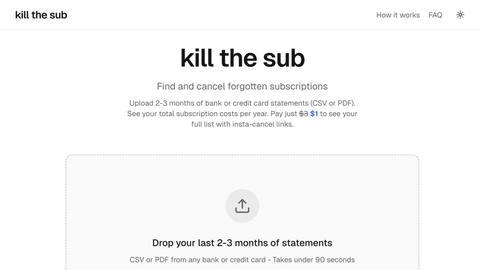
I made a tool to find and cancel forgotten subscriptions in under 2 minutes
- You upload 2 to 3 months of bank or card statements and it finds all recurring subscriptions
- You see your total cost per year
No dark patterns or another subscription just to cancel subscriptions. If you do not save more than 3 bucks I will give you a refund.